Shopify Cart Validation Functions: Block Invalid Checkouts
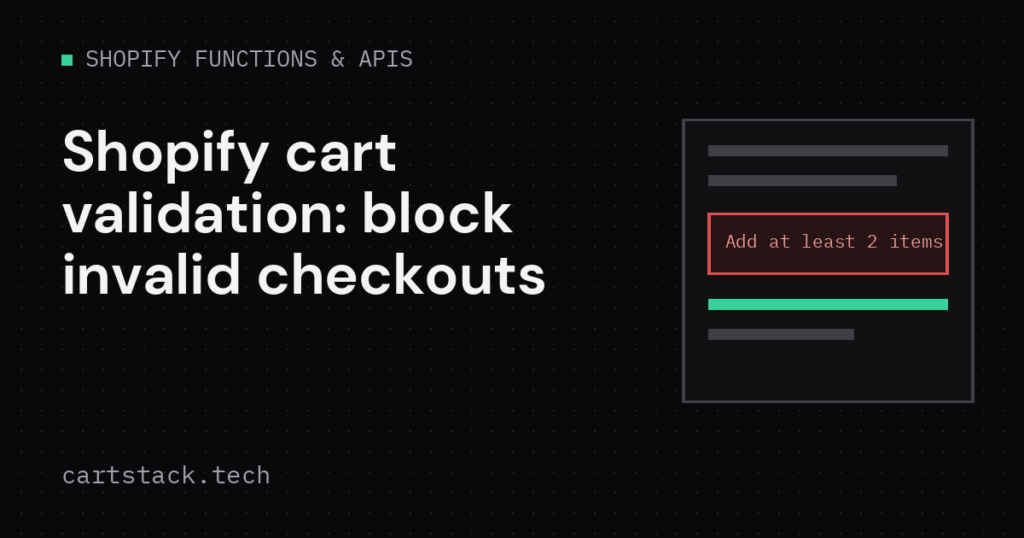
A Shopify cart validation function stops checkout when an order breaks a rule you define. Unlike a discount function, it does not change prices or shipping. It only decides whether checkout can continue. This guide builds one that blocks orders with fewer than two units from a single vendor.
What a Shopify Cart Validation Function Can and Cannot Do
A validation function inspects the cart and can add one or more errors. When it adds an error, checkout stops and the customer sees your message. It cannot modify quantities, prices or line items. For that, use a cart transform or a discount function instead.
Common uses include minimum order quantities, blocking a restricted product combination, or requiring a subscription item to ship alone. Each of these needs a clear, specific rule, because a vague validation confuses customers more than it protects your store.
The input query
Start with the smallest input that answers your rule. A smaller query keeps the function fast and easier to test.
query CartInput {
  cart {
    lines {
      quantity
      merchandise {
        ... on ProductVariant {
          product { vendor }
        }
      }
    }
  }
}
Add a validation error
The function groups quantities by vendor, then adds an error for any vendor under the minimum. Return an empty list when every rule passes.
export function cartValidationsGenerateRun(input) {
  const totals = {};

  for (const line of input.cart.lines) {
    const vendor = line.merchandise.product?.vendor;
    if (!vendor) continue;
    totals[vendor] = (totals[vendor] || 0) + line.quantity;
  }

  const errors = Object.entries(totals)
    .filter(([, qty]) => qty > 0 && qty < 2)
    .map(([vendor]) => ({
      localizedMessage: `Add at least 2 items from ${vendor} to check out.`,
      target: '$.cart',
    }));

  return { errors };
}
Notice the target field points at the cart as a whole, not a single line. As a result, the message appears as a general cart error rather than attached to one product.
Example: minimum quantity per vendor
This is a common real-world Shopify cart validation function pattern. It fits stores that sell wholesale-style products, where a single unit from one vendor is not profitable to ship alone. You can extend the same pattern to check total cart value, a required combination of products, or a blocked shipping country by reading customer data in the input query.
Test the function locally
Every Shopify cart validation function needs this step before it reaches a live store. Run the function against sample input before deploying it. Try one cart that passes and one that should fail.
shopify app function runConfirm the errors array is empty for a passing cart, and contains your message for a failing one. Also test a cart with two different under-threshold vendors, so you know both errors return together.
Deploy and attach the function
Deploy the app, then attach the function through a cart checkout validation setting in the Shopify admin, or with the Admin GraphQL API. See the Shopify checkout validation documentation for the current setup steps. If you also need custom pricing logic alongside validation, read building a volume discount with Shopify Functions.
Related reading: agent-led purchases still pass through your checkout. See Shopify UCP: agent profiles and trust tiers for how agents hand buyers off.
FAQ about Shopify cart validation functions
Can a validation function remove an item automatically? No. It can only block checkout with a message. Removing items needs a cart transform.
Where does the error message appear? Near the cart or checkout, depending on the target you set in the response.
Can I combine several rules in one function? Yes. Return every failing rule as a separate entry in the errors array.
Keep reading
Shopify Buyer-Requested Order Edits: Admin and Customer Account APIs
Shopify buyer-requested order edits in API 2026-10: the RequestedOrderEdit object, create, resolve and decline mutations, Customer Account API, webhooks and scopes.
Shopify Rollouts API: What Discount Apps Must Handle in 2026-10
Shopify Rollouts API in 2026-10: why discount status can mislead, the read_rollouts scope, the steps for discount apps, partial traffic rules and webhook topics.
Shopify API 2026-10: Breaking Changes to Check Before You Upgrade
Shopify API 2026-10 upgrade checklist: removed fields, the segment query change, tax recalculation, metafield filter errors and the new features worth adopting.